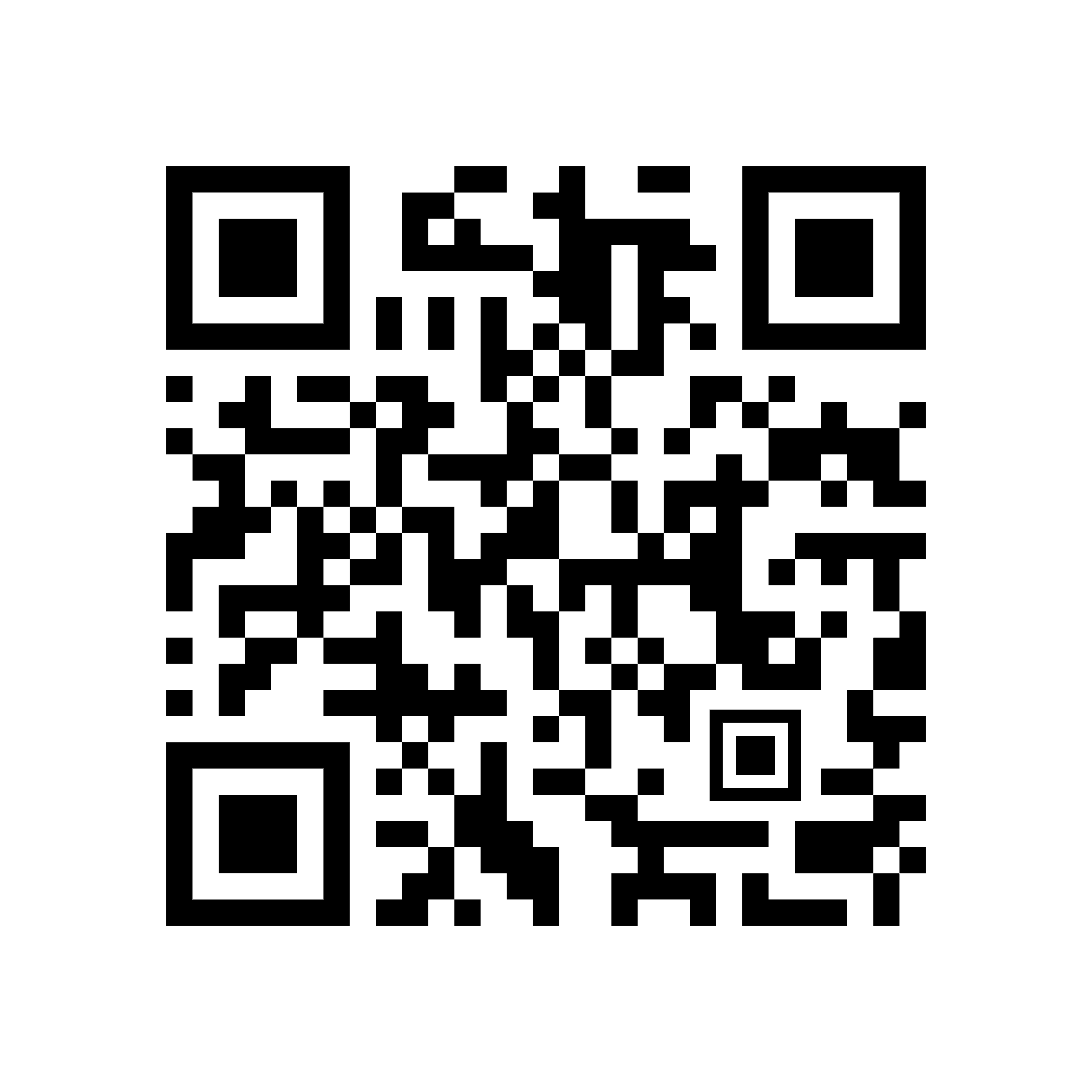

Oh My Code is a French QR generator that leads with design rather than feature count. It is also one of the newer and smaller names here, up against platforms with years of reviews behind them. That tension is the review: the highest resolution free static export we measured that day, and only the beginnings of a public record to check our own results against.
Our account test: September 21, 2026
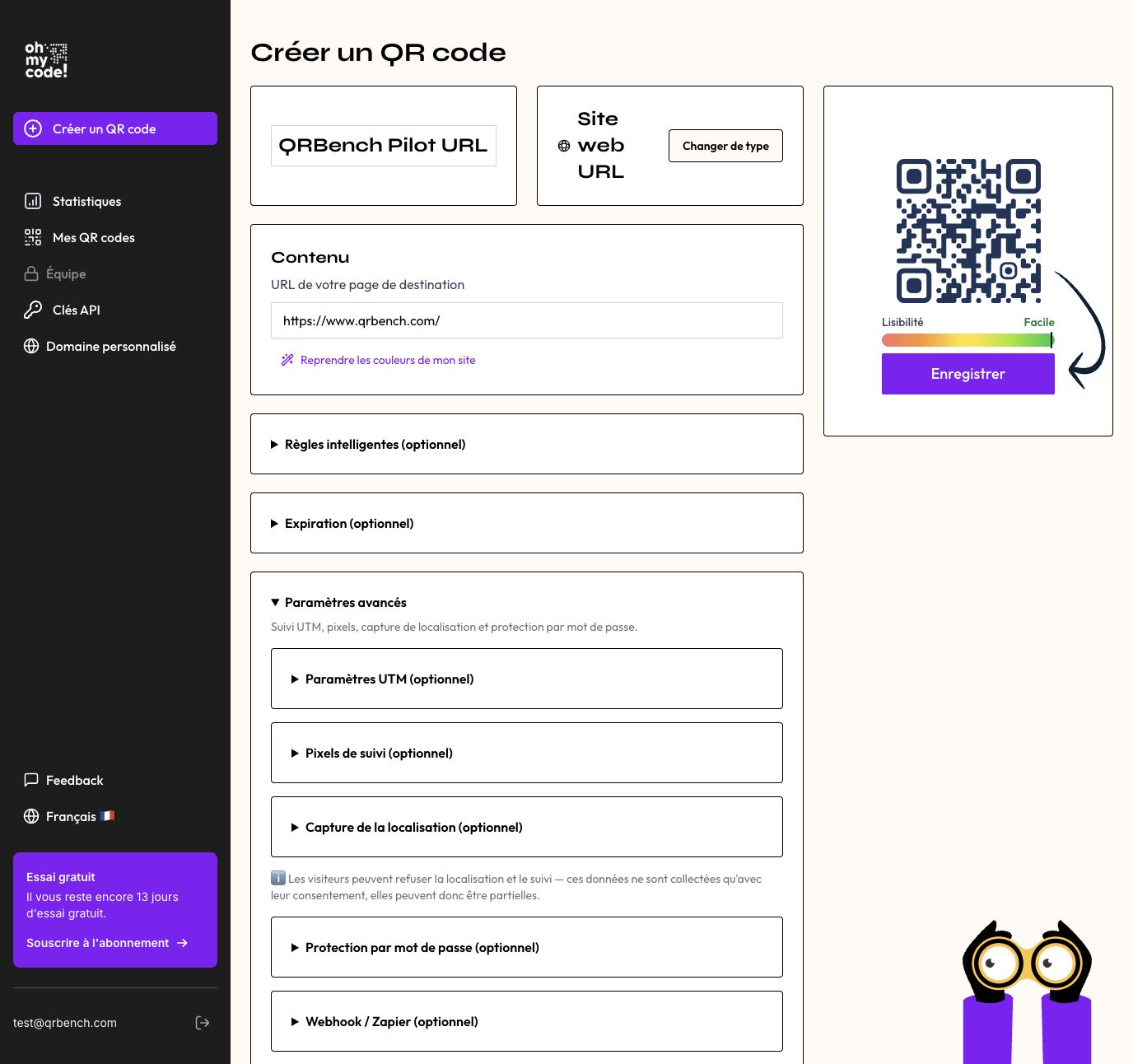
We used a dedicated trial account in the production application. The account owner completed signup; we then followed the interface with fictional test data and recorded the public results. These selected scenarios complement our earlier static test, rather than establishing performance for every feature or plan.
| Scenario | Observed result | Evidence and scope |
|---|---|---|
| Edit a destination | The original short link reached the new page | Browser visits before and after editing |
| Folders and naming | Assignment, filtering and renaming worked | Dashboard observation |
| Export files | PNG, SVG and EPS reported OK | Account-owner confirmation; downloaded PNG phone scan separately confirmed |
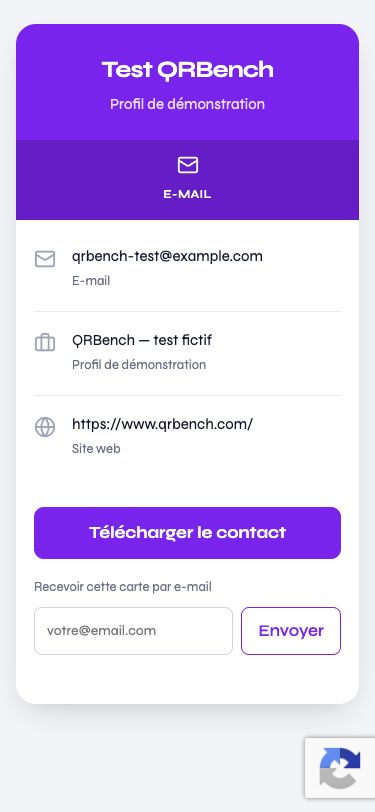
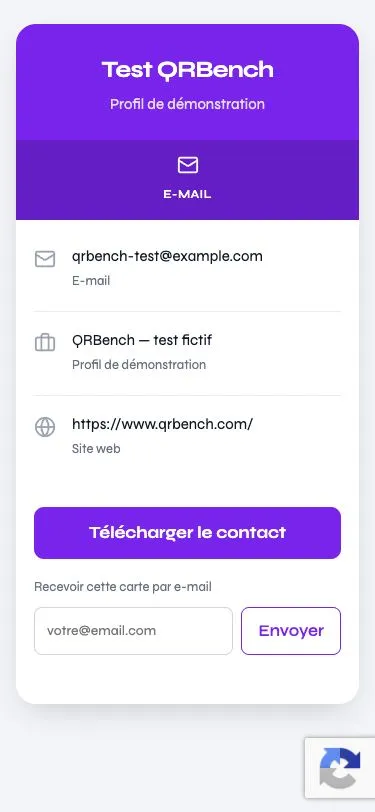
| Public vCard | Entered details displayed; readable at 375px | Browser layout check, not an address-book import |
| Device routing | Matching rule and default fallback reached | Two controlled browser visits |
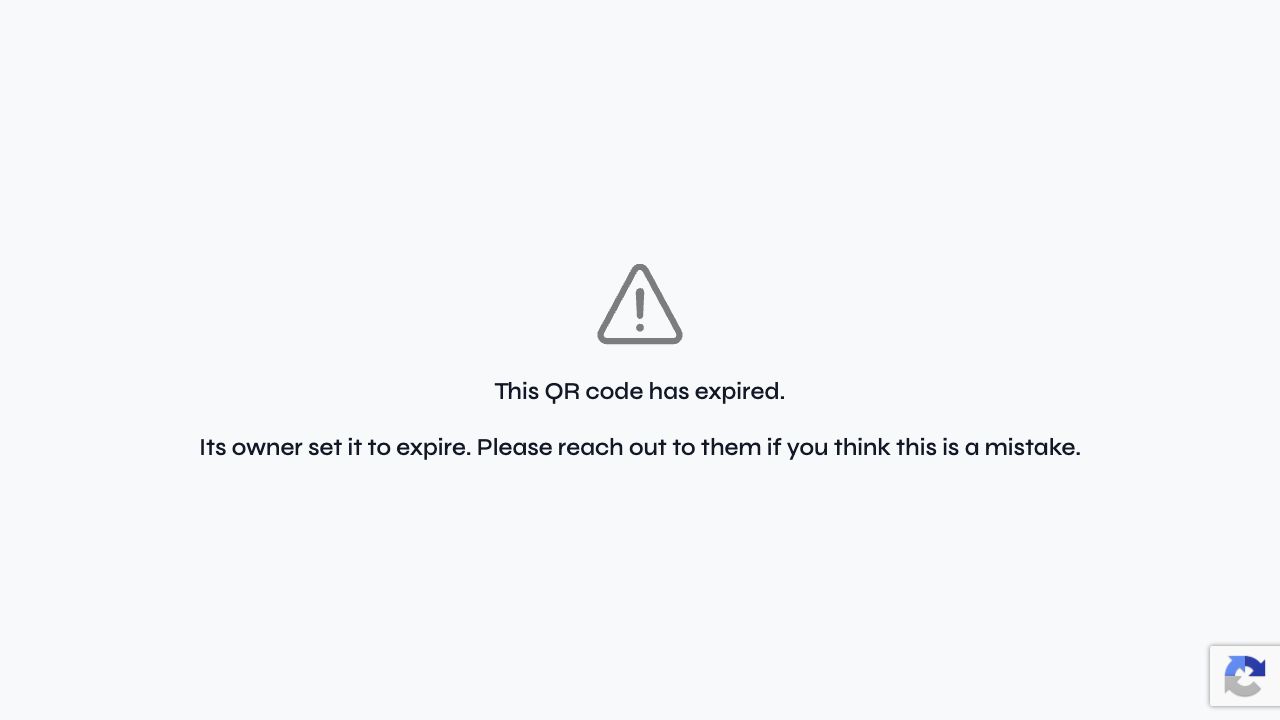
| Scan-limit expiry | First visit allowed, second expired | Configuration and public result |
Ease of use: from creation to the public result
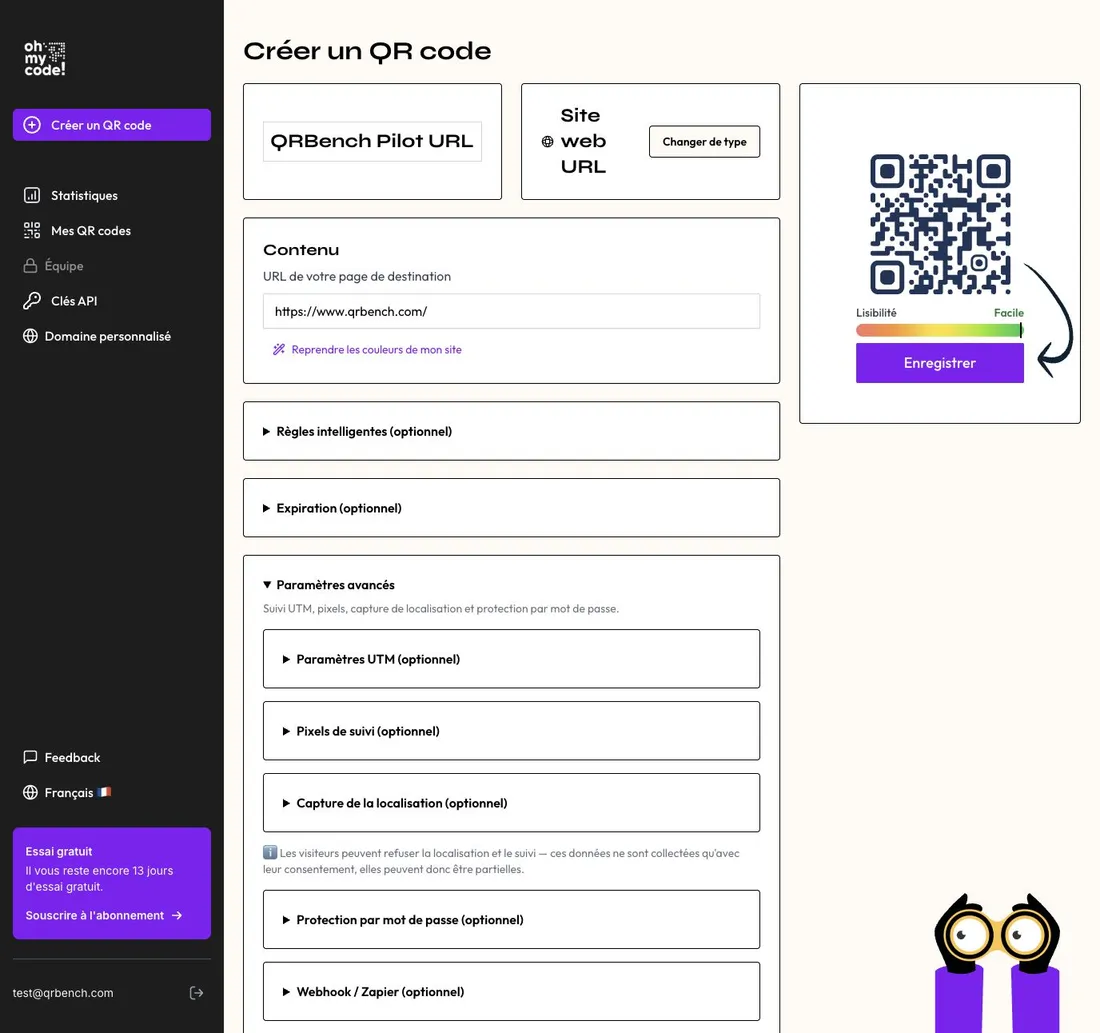
The URL workflow was easy to follow in our session: enter a name and destination, select a preset, then save. Marine supplied rounded styling without requiring each setting to be chosen individually. The style was preserved when we returned to the editor. Folder assignment and renaming were also straightforward in the scenarios checked.
The routing controls explained rule priority and the default destination. The public vCard remained readable at a 375 × 812px viewport, with contact information, a website link and a download button. This check covers that public page, not the whole dashboard on a phone. We did not measure human completion time or perform a full keyboard audit. The numerical usability score is retained from the previous assessment; this selected workflow summary is not a fresh endorsement of every management operation.
Routing and expiry, checked beyond the settings screen
A desktop rule sent our browser to the configured destination. We changed the condition to Android and opened the same short link from desktop again: the default URL was used. The two paths worked in this controlled check.
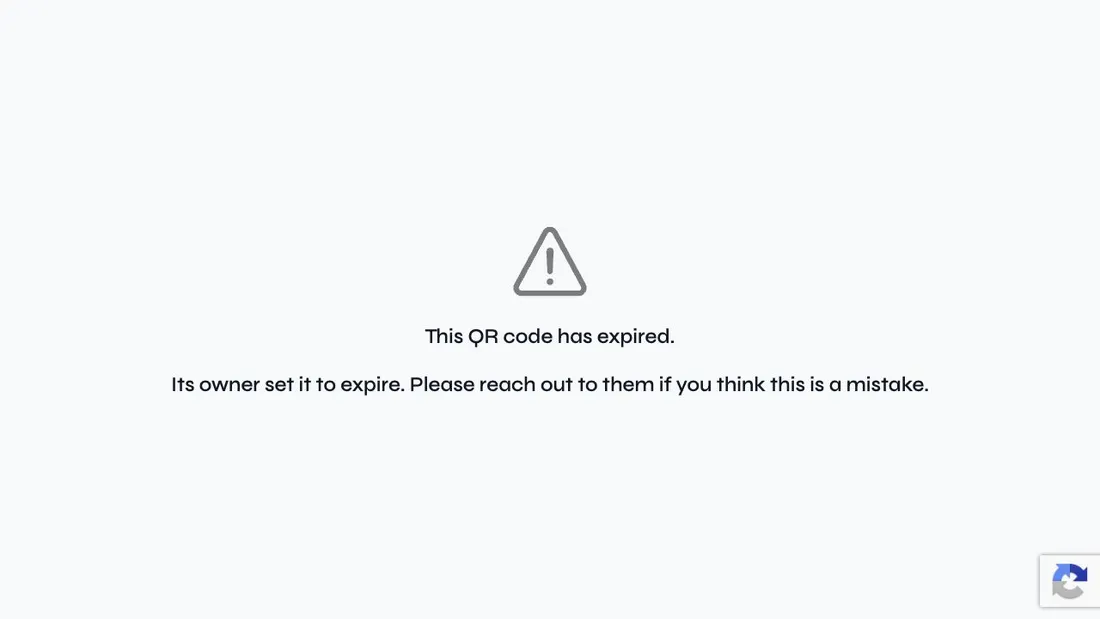
For a separate code, we enabled expiry after one scan. The first browser visit reached our destination. The second reached a page explaining that the owner had set the code to expire. This verifies the scan-limit case, not date-based expiry or the end of the trial.
On the original URL specimen, two controlled browser visits appeared as two scans and one unique visitor, with desktop and France shown. This confirms that the small series appeared in the dashboard. Exported reports, retention, cross-device deduplication and tracking pixels were not validated. How this compares with what other vendors document is in our analytics guide.
What Oh My Code is
Two products under one interface. Static codes are free, need no account, and encode the destination in the pattern, so nothing on the vendor’s side can switch them off. Dynamic codes point at an Oh My Code redirect, stay editable, count scans, and need a paid plan.
Design is the positioning. Separate colors for dots, background and corners, logo embedding, frames, and five global shapes: square, circle, heart, badge and speech bubble. That last set is unusual. Most generators here restyle the modules and the eyes, then stop.
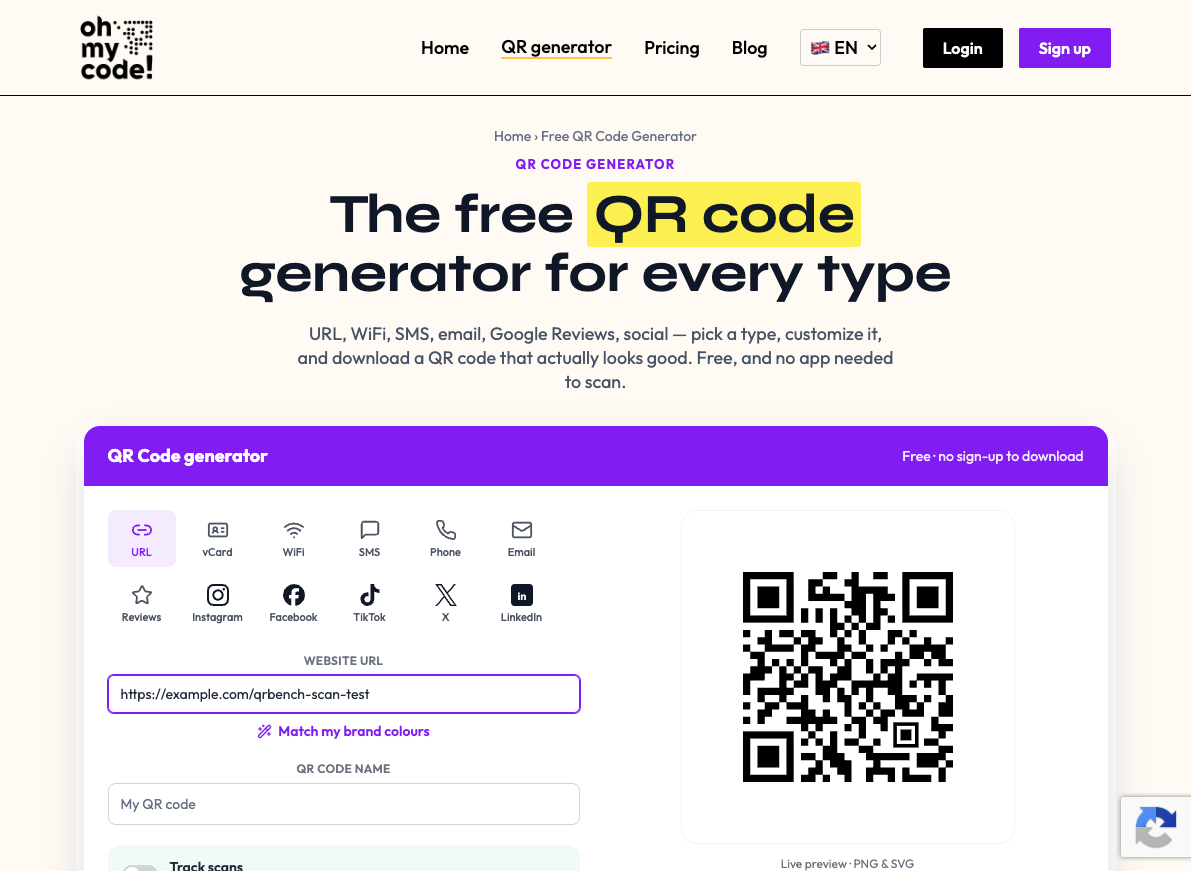
Catalogue checked September 14, 2026. The public generator shows 15 choices: URL, vCard, WiFi, SMS, phone, email, Google Reviews, Instagram, Facebook, TikTok, X, LinkedIn, Snapchat, YouTube and Spotify. Several are URL presets; this count describes the public selector, not every capability available with an account. Its FAQ describes static downloads as free without signup; editable, tracked codes require an account and a trial or paid plan. We reread those terms without downloading another file.
Correction, September 14, 2026. This review previously listed 12 choices and said GS1 Digital Link was absent. That exclusion was wrong: the August 5 release and official GS1 article, reread today, document Digital Link with GTIN and optional lot, serial and expiry on The Boss and The Apollo, including the 14-day trial. We have not generated or validated a GS1 code, or tested that account access. These are documentary findings; the scores and earlier test dates are unchanged.
GDPR, CCPA and SOC 2 Type II badges sit in the footer, and tracking on dynamic codes runs through a consent page shown to the person scanning, verified July 3, 2026. Bulk generation arrives with the mid tier, the API only at enterprise.
What we tested on August 7, 2026
We pasted a test URL into the generator, styled the code, and clicked download. No account, no email, no card, and the file arrived in under a minute. Nothing sat between the button and the file, and the account push is a passive banner rather than a gate.
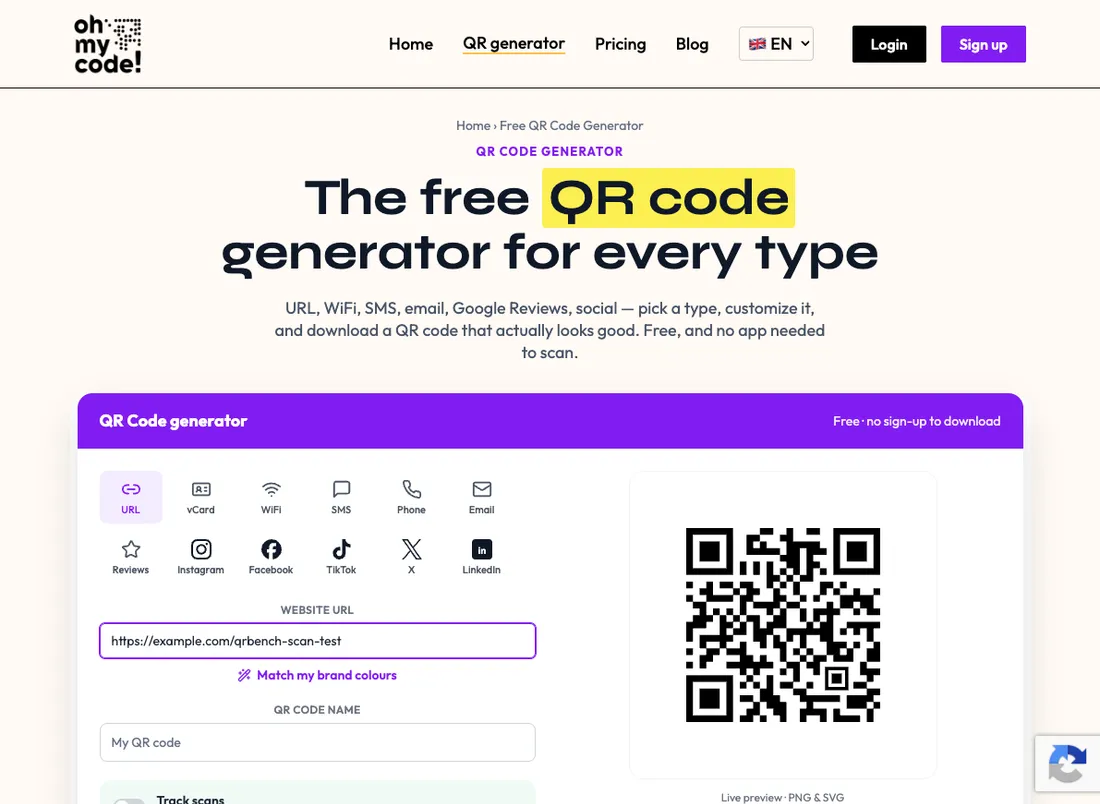
The PNG came out at 3020px, the largest free static export we measured that day, against 1155px from QR Code Monkey. An SVG ships in the same free export, which matters more than pixel count once artwork reaches a printer.
We decoded the downloaded file rather than trusting the preview. It resolved to our destination URL and nothing else: no redirect domain, no ohmycode.net in the payload, no watermark on the image.

A toggle marked Track scans sits beside the design options. Flipping it does not unlock analytics, it routes to account creation, because tracking means a dynamic code and a dynamic code means a plan. That is the exact point where the free product ends.
At the time of the August 7 test, we had not opened an account. The separate September 21 session above adds selected account observations; it does not retroactively expand the scope of that static test.
Pricing, verified August 7, 2026
Three tiers. The Friendly is $4.99 per month, or $25 a year, with 2 dynamic codes, 500 scans a month and advanced analytics. The Boss is $14.99 per month, or $75 a year, and lifts codes, scans and seats to unlimited while adding bulk generation, priority support and scan-tracking pixels for Meta, GA4 and Google Ads. The pixels are documented in the vendor’s article of July 2, 2026, read September 22, as shipping with The Boss behind a consent page shown on every scan; the pricing cards listed them on August 10 and no longer carry the line. We have not configured one. The Apollo tier carries no published price and is quoted, and API access and bulk editing live there.
Annual billing runs about 58 percent below monthly, steeper than the two-months-free discount that is standard here. One-time lifetime plans exist too, $59 and $169. Lifetime pricing on dynamic codes is rare across the tools we track, and it changes the arithmetic on a printed code: the bill that normally decides how long a code survives becomes a single payment. It removes the invoice, not the dependency.
There is no permanent free dynamic tier. Dynamic codes get 14 days, then need a plan, the same countdown we mark against QRfy at 7 days, QR.io at 7 and QR Code Generator by Bitly at 14. A shorter countdown is worse. A countdown is still a countdown, and it applies here as much as anywhere. We did not verify whether the trial asks for a card, so treat that as unchecked rather than absent.
The API is the other thing to name. Every other capability carries a published price. That one does not, a real gate in front of anyone whose use case starts with a script.
The reservations
Six, ordered by how much they should change a decision.
The public user record is thin. User reviews have started to appear on Oh My Code’s Trustpilot profile, checked October 1, 2026, and the Reddit and Product Hunt material collected for this index has nothing on it, neither complaints nor praise. That is what a young, small vendor looks like next to incumbents carrying thousands of ratings, and it means this review rests mostly on our own pass and their published pages. Read it on those terms.
Support and documentation are unaudited. Priority support is advertised from The Boss up. We have not measured a response time or worked through the help center, so that score is provisional too.
The account test is partial. We checked destination editing, a vCard, device rules, scan-limit expiry and a small analytics series. Bulk import was deferred; API, pixels, support, custom-domain configuration and post-trial behaviour remain unverified. Team access was unavailable on our trial.
Public presets do not establish the paid catalogue. GS1 Digital Link is documented, but we have not checked its output or how those product identifiers are handled. For a packaging project, confirm the required payload and workflow before committing to a print run.
Our free export test covered PNG and SVG. The account owner subsequently confirmed PNG, SVG and EPS exports during the trial-account test on September 21. This does not establish free EPS availability or PDF export. QR Code Monkey remains a tested option for free PDF and EPS.
Vendor longevity is a live question for the dynamic side. This is the dependency argument we apply to every dynamic platform here, and a likable company gets no exemption. If Oh My Code stops operating, the redirects behind its dynamic codes stop resolving, and every printed code pointing at one becomes dead ink. A smaller, younger company carries more of that risk than one with a decade of revenue behind it, and the lifetime plans do not solve it, since a lifetime plan lasts as long as the vendor does. The static codes survive that scenario, precisely because no server is involved.
Who it fits, and who should skip it
It fits anyone who needs a free static code at print size. That is the best-evidenced thing we can say here: 3020px plus SVG, no account, no watermark, downloaded and decoded. For a poster or packaging pointing at a URL you control, it is a one-screen job with nothing attached.
It fits a small business that cares what the code looks like, since the shapes and frames go further than most of the category and advanced analytics start on the $4.99 tier.
It fits someone who wants a dynamic code with a capped cost. $59 or $169 once, against a monthly line that never ends, is a defensible trade if you believe the vendor will still be there.
Skip it if you need the API and have no enterprise budget, because that door opens on a quote only. If analytics are the reason you are buying, compare a trial carefully: our small series does not validate reporting, retention or pixels, and Uniqode carries documented depth and a user base to check it against. And skip the dynamic side if what you print has to outlast your confidence in a young company. The free static export does not carry that risk.
Alternatives worth comparing
For free PDF or EPS, or dedicated event, location and meCard presets, QR Code Monkey is worth comparing. It exports PDF and EPS alongside PNG and SVG. Its PNG caps at 1155px.
For a broad documented catalogue and separately priced bulk/API products, QR Tiger counts 25 types including GS1 Digital Link, and sells bulk generation and an API as products rather than as an enterprise quote. Its own free homepage path had a problem in our test.
If you are shopping the free end of the market, our best free QR code generators page carries the expiry-behavior check for every tool we tested that day, with the date attached.
And the full ranking shows where these scores land once trust, pricing, features and ease of use are weighted together.
On the paid side, our best dynamic QR code generators page selects editable-code platforms by need and compares their paid entry plans, Oh My Code’s one-time plans included, with what each vendor says happens to a code when the payment stops.
Head to head: Oh My Code vs QR Code Generator by Bitly sets its pricing against the market’s biggest name, and Oh My Code vs QR Code Monkey compares the two free static exports we decoded the same morning.